To make a partial payment for an A/P Invoice
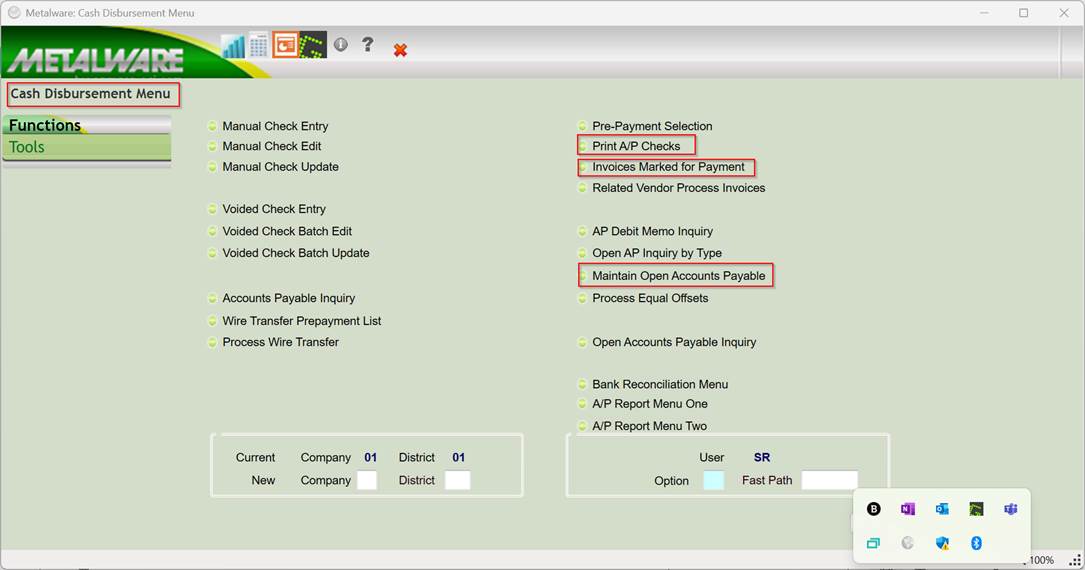
Go into Open AP Maintenance to select the invoice.
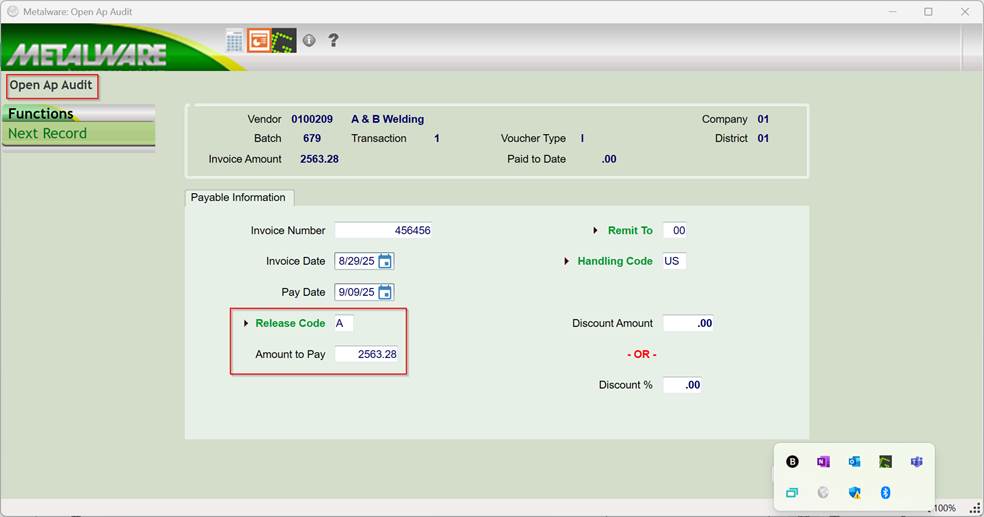
Change the Release Code to a P and change the Amount to Pay to the desired amount for this check.
Press Continue or > to process the record and exit the program.
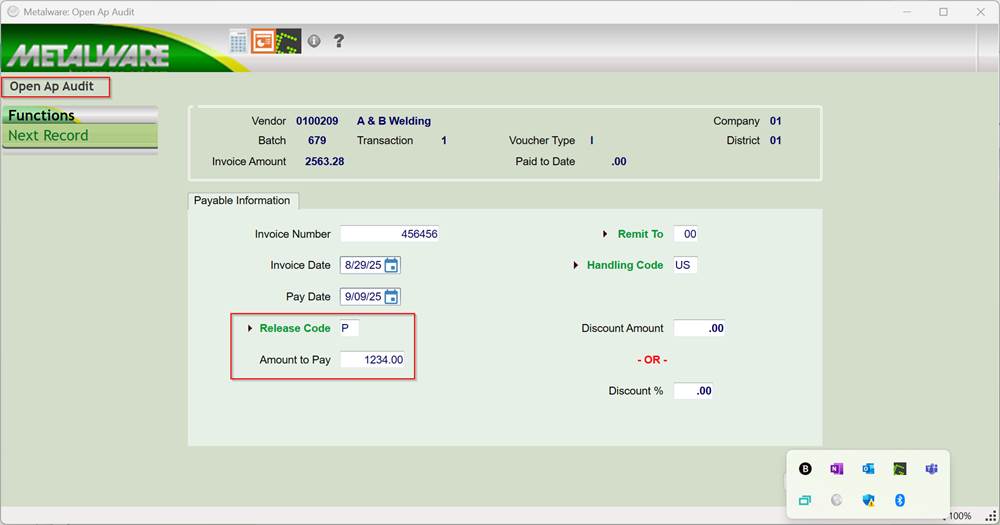
Then, run the INVOICES MARKED FOR PAYMENT report (AP845PCL) for all of the “P” codes.
Note :Do not rerun the Prepayment Listing at this time or it will undo the partial payment.
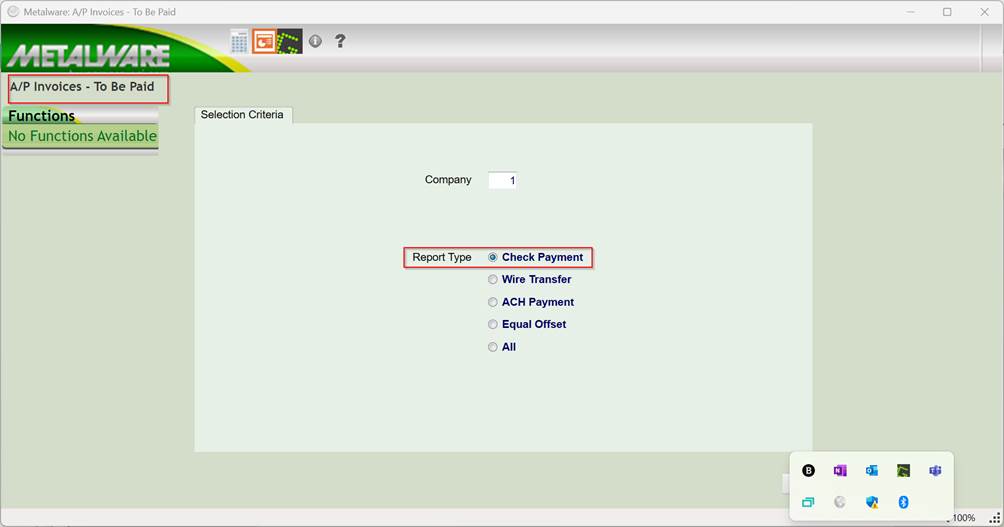
Review the report and if it looks ok, then select the option to PRINT CHECKS.
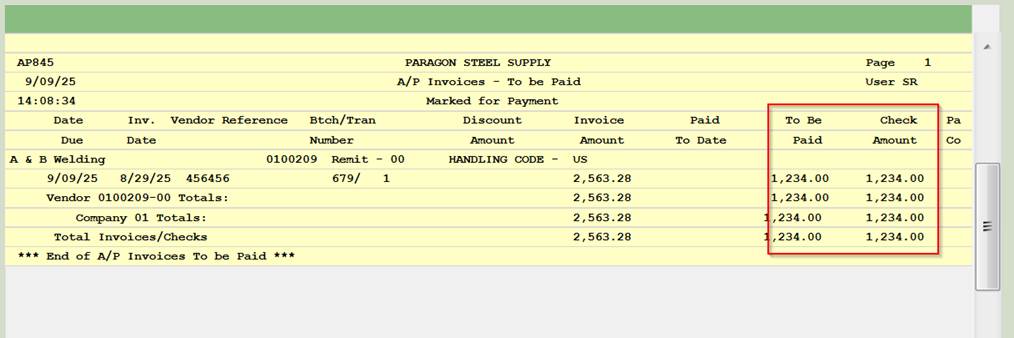
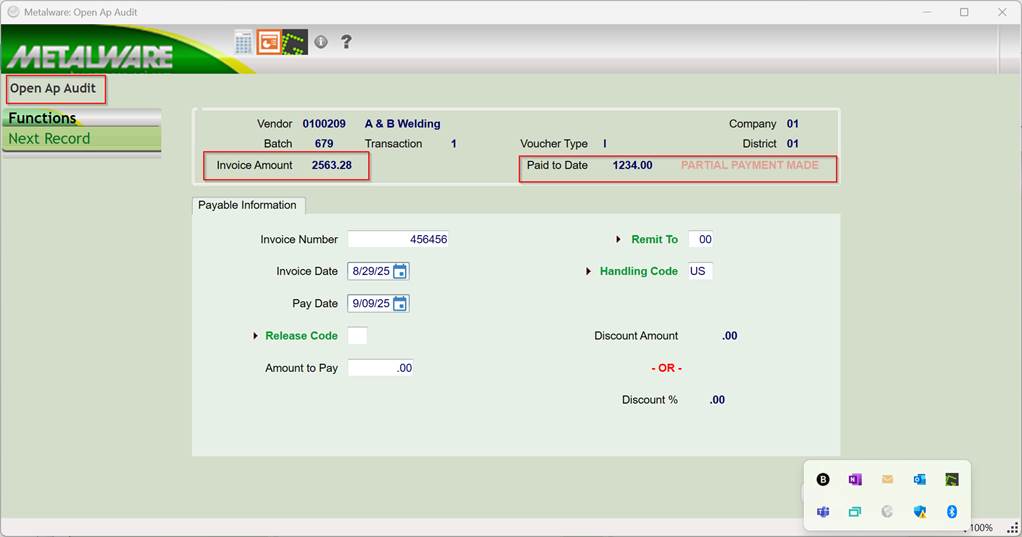
After you have printed the check for the partial payment, the next time you go in to select the invoice and code the next payment,
It will show the partial payment.
Was this article helpful?
That’s Great!
Thank you for your feedback
Sorry! We couldn't be helpful
Thank you for your feedback
Feedback sent
We appreciate your effort and will try to fix the article