1) Go to the tag and select F5-Reservations to verify that there are no reservations on the tag
2) If so, use the UPDDTA ITEMONL0 command to remove the invalid tag reservation
Key in UPDDTA ITEMONL0 and press enter..
Key in the district, item and tag number and press enter
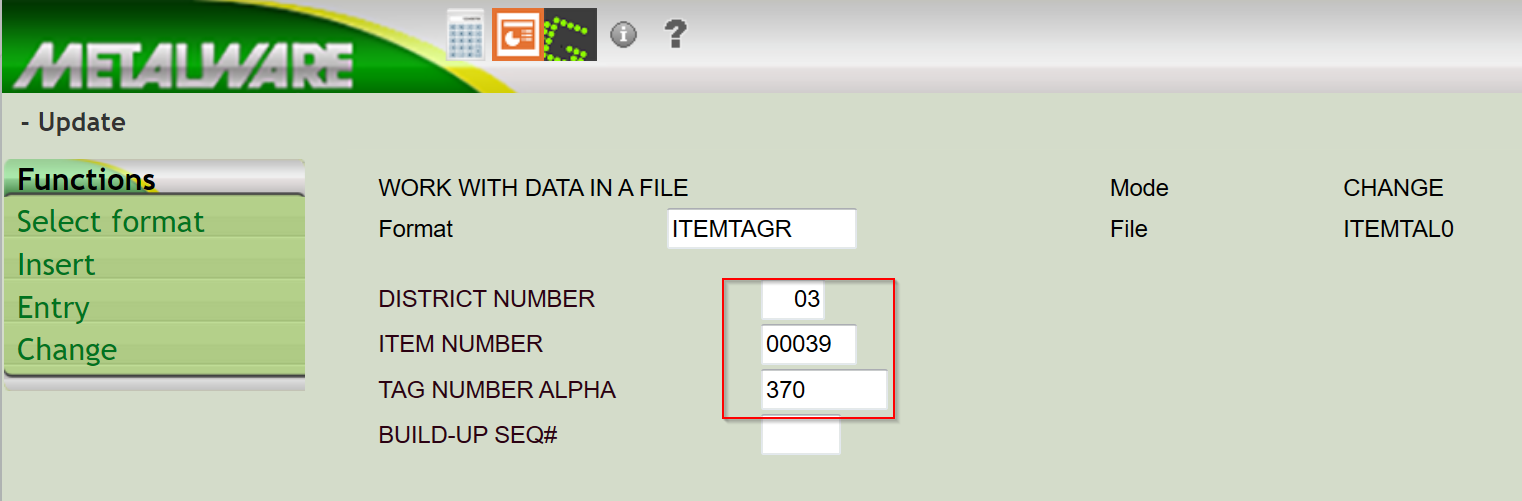
Press enter or page done to locate the record.
Then press enter until you come to the RESERVED QUANTITY FIELD
and blank it out.
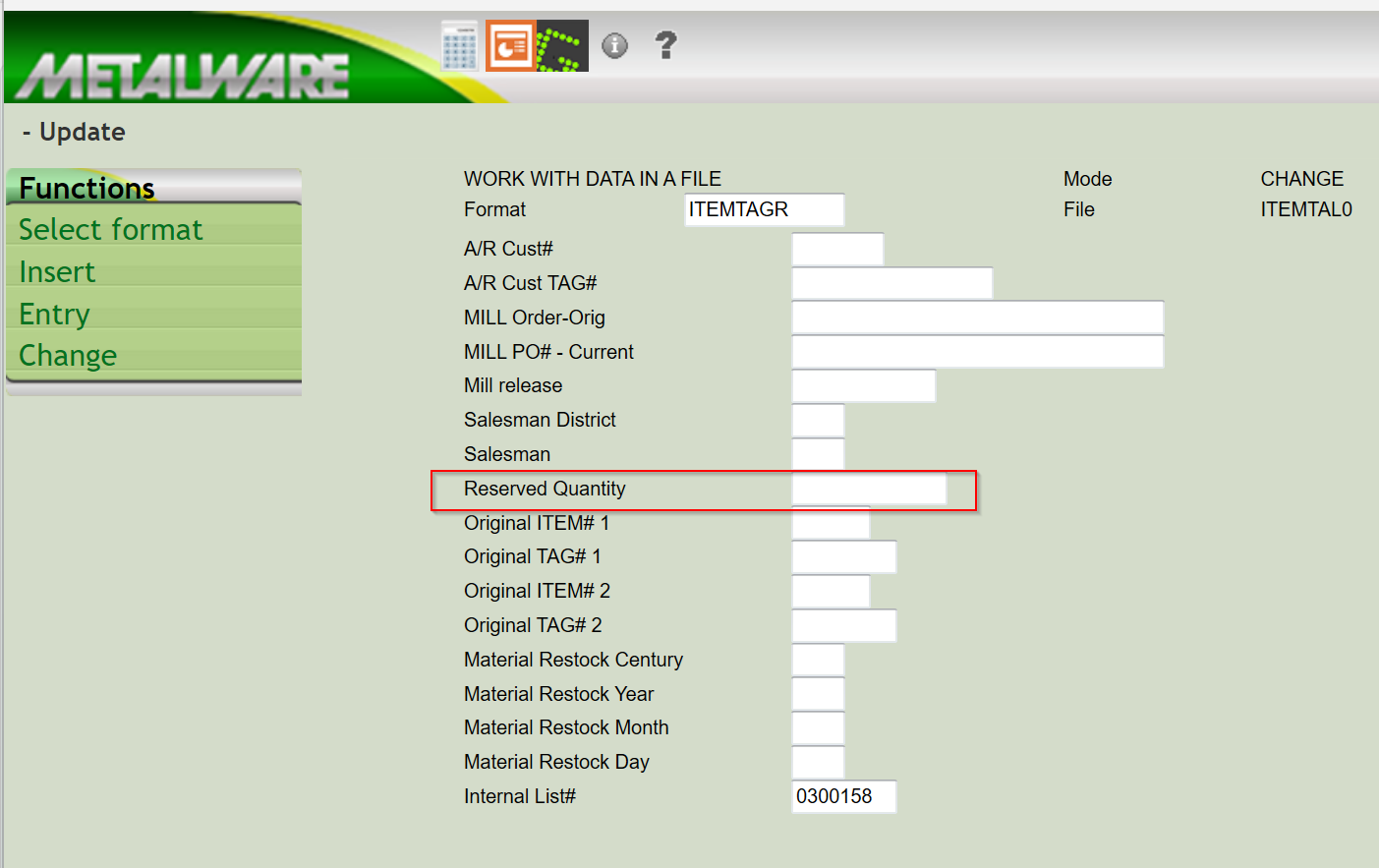
Next, select page down and then F3-Exit.
3) Go to the command line to key in Call Calcoh for the item to recalculate the reserved quantity.
Was this article helpful?
That’s Great!
Thank you for your feedback
Sorry! We couldn't be helpful
Thank you for your feedback
Feedback sent
We appreciate your effort and will try to fix the article